
Articles10 min read
How to analyze open-ended survey responses, step by step
Open-ended responses are where the reasons live — and where most feedback programs quietly die, because nobody budgeted time to read five hundred paragraphs. The fix is a method: theme the responses, count the themes, keep the best quotes. Here is that method step by step, the pitfalls that skew results, and where AI genuinely earns its keep.
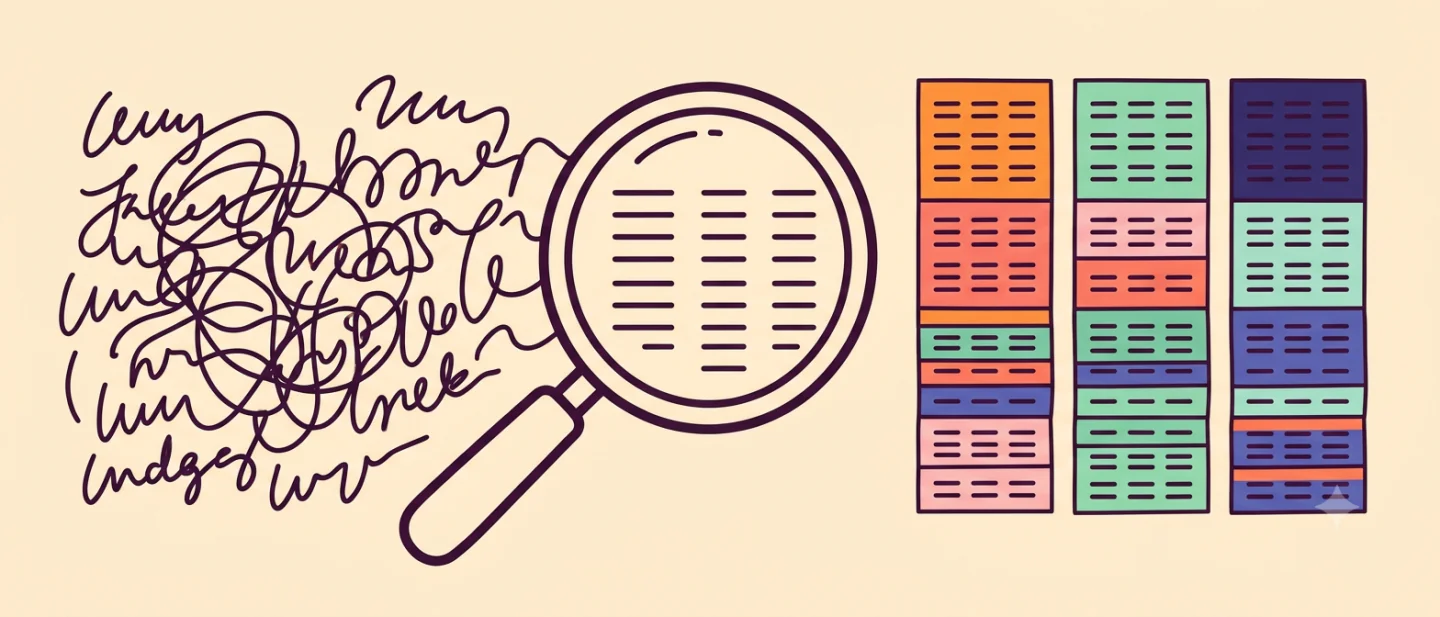
What good analysis produces
Before the how, the what. A useful analysis of open-ended feedback ends in three artifacts:
- A ranked list of themes — “18 of 67 responses mention pricing confusion” — so the loudest single voice doesn’t masquerade as the pattern.
- Representative quotes per theme, verbatim. Numbers earn the priority; the customer’s own words earn the belief.
- Proposed actions, each traceable to a theme. If a finding implies nothing anyone would do, it’s trivia, not insight.
The method, step by step
Step 1 — Read before you code
Read fifteen or twenty responses cold, taking rough notes. This calibrates you: you’ll notice the vocabulary customers use, the surprises, and the first candidate themes. Skipping straight to a tagging scheme means tagging with your assumptions.
Step 2 — Draft a short codebook
Write down five to twelve themes with a one-line definition each — enough that two people would tag the same response the same way. Fewer than five and everything blurs together; more than about a dozen and the counts get too thin to rank.
Step 3 — Tag every response
Go through the full set, applying every theme a response touches (most touch more than one). Add a new theme when responses genuinely don’t fit — and when you do, re-check the ones you’ve already tagged. A spreadsheet with one column per theme is unglamorous and entirely sufficient.
Step 4 — Count, rank, and split
Count responses per theme and rank. Then, if you have segments worth splitting by — plan, tenure, rating given — look at whether the ranking changes: “pricing confusion” coming mostly from trial users is a different finding than the same theme spread evenly.
Step 5 — Attach quotes and write the 'so what'
For each top theme, keep two or three verbatims — the vivid, specific ones — and write one sentence on what you’d do about it. That page, not the spreadsheet, is the deliverable.
Pitfalls that skew results
- Counting mentions instead of people. One furious customer mentioning pricing five times is one data point, not five.
- Vivid-quote bias. The most quotable answer is rarely the most representative one. Rank by count first; pick quotes second.
- Themes that are really sentiments. “Negative” is not a theme. “Export is slow” is. Sentiment is a useful second axis, never the categories themselves.
- Ignoring who answered. Open-ended respondents self-select toward the opinionated. Check whether they resemble your customer base before generalizing percentages.
- Analysis with no expiry date. Feedback describes the product as it was. Re-run the question after you ship the fix — the comparison is the point of having a method at all.
Where AI fits — and where it doesn't
Theming free text is exactly the kind of work language models are now reliably good at: reading every response, proposing themes, tagging consistently, counting, and drafting summaries with quotes attached. What used to be the reason feedback went unread — an afternoon of spreadsheet work per question — is now the automatic part.
This is built into Feedback Mango: every study’s responses are analyzed into a plain-language summary, themes ranked by how many customers hit them, sentiment, and suggested actions — each linked back to the underlying conversations so you can audit any claim against the verbatims (how that looks in practice).
What stays human: deciding which themes matter to the business, noticing when a question was leading, and choosing what to do. AI collapses the distance between raw text and a ranked list; the judgment on top of the list is still yours.
Design the analysis before you collect
The best time to make analysis easy is when writing the question. One specific question per prompt produces answers that theme cleanly; “any feedback?” produces a junk drawer. And conversational follow-ups — asking “why?” before you ever analyze — mean the reasons arrive already attached. See open-ended vs closed-ended questions for that pairing.
Frequently asked questions
- How do you analyze open-ended survey responses?
- Read a sample of responses to get oriented, define a short list of themes (codes), tag every response with the themes it touches, count and rank the themes, then pull representative quotes for each. This is thematic analysis: the output is a ranked list of what customers keep saying, with evidence attached.
- How many open-ended responses do I need before analyzing?
- Themes usually start stabilizing within ten to twenty substantive responses — if the twentieth answer keeps landing in existing themes, you have enough to act on for that question. More responses sharpen the ranking and reveal rarer themes, but waiting for hundreds before reading any is a mistake.
- Can AI analyze open-ended survey responses?
- Yes — theming, sentiment and summarizing free text is one of the tasks modern language models do genuinely well, and tools like Feedback Mango run this analysis automatically across every response. The sensible division of labor: let AI do the first pass and the counting, and spend your time reading the key verbatims and deciding what to do.
- What is coding in qualitative analysis?
- Coding means labeling each piece of free text with one or more short tags ('pricing confusion', 'slow export', 'loves templates') so that unstructured answers become countable. The codes can be defined up front, emerge from reading, or both — what matters is applying them consistently.
Try it on your site
Let a tiny AI interviewer ask the why
Feedback Mango puts a small AI interviewer on your website: you write one question, it has a short chat with every customer who answers, and the conversations arrive sorted into topics and next steps. Setup is one line of code, and it’s free while in beta — no card.